Elite Guard Inc.
Complete Guide to our
Mobile Security App
Our custom Guard App streamlines operations by integrating patrols, scheduling, reporting, and personal profile management into one intuitive mobile platform. Explore the modules below.
Home Page Features
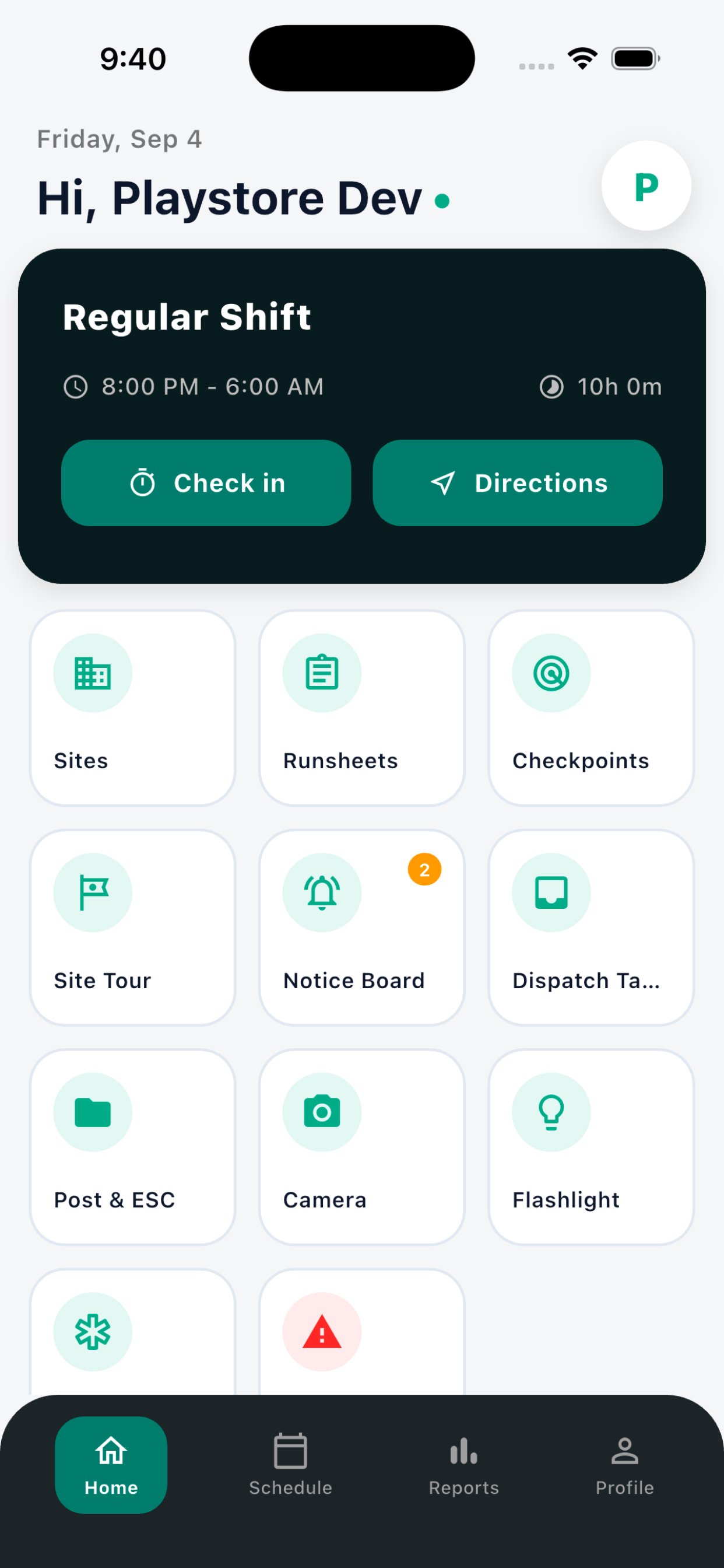
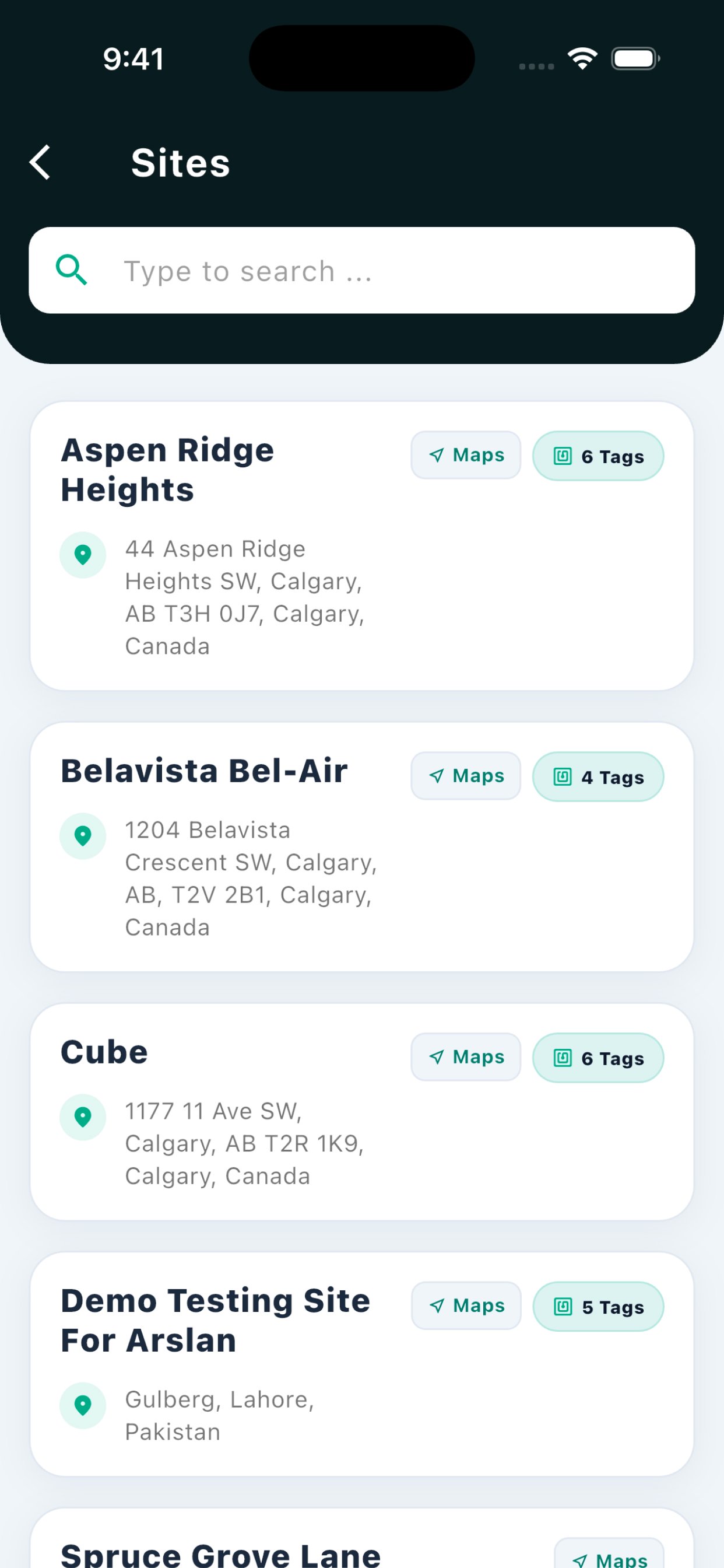
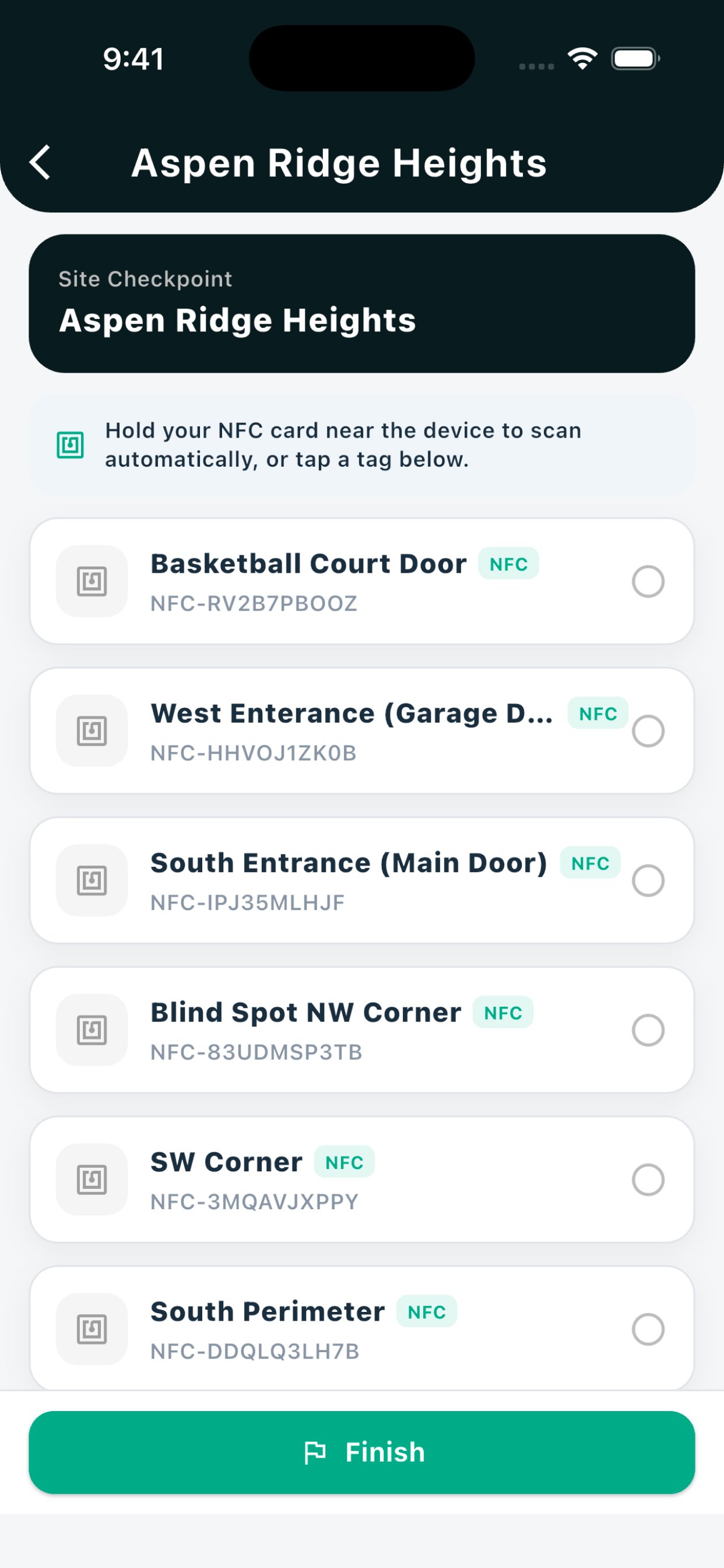
Sites
Show all assigned Sites to perform a patrol on that property.
Runsheets
It shows list of all properties to patrol for mobile shifts.
Notice Board
It will show any updates regarding to any site or any other information.
Dispatch Tasks
For alarm responses/ emergency tasks.
Camera
This will be a replacement to time stamp camera. This camera take photo with date time and address information.
Flashlight
Turn on flashlight.
Emergency
Show all important contact information.
Panic
Press this button if you need feel unsafe or in danger.
Schedule Page
Availability
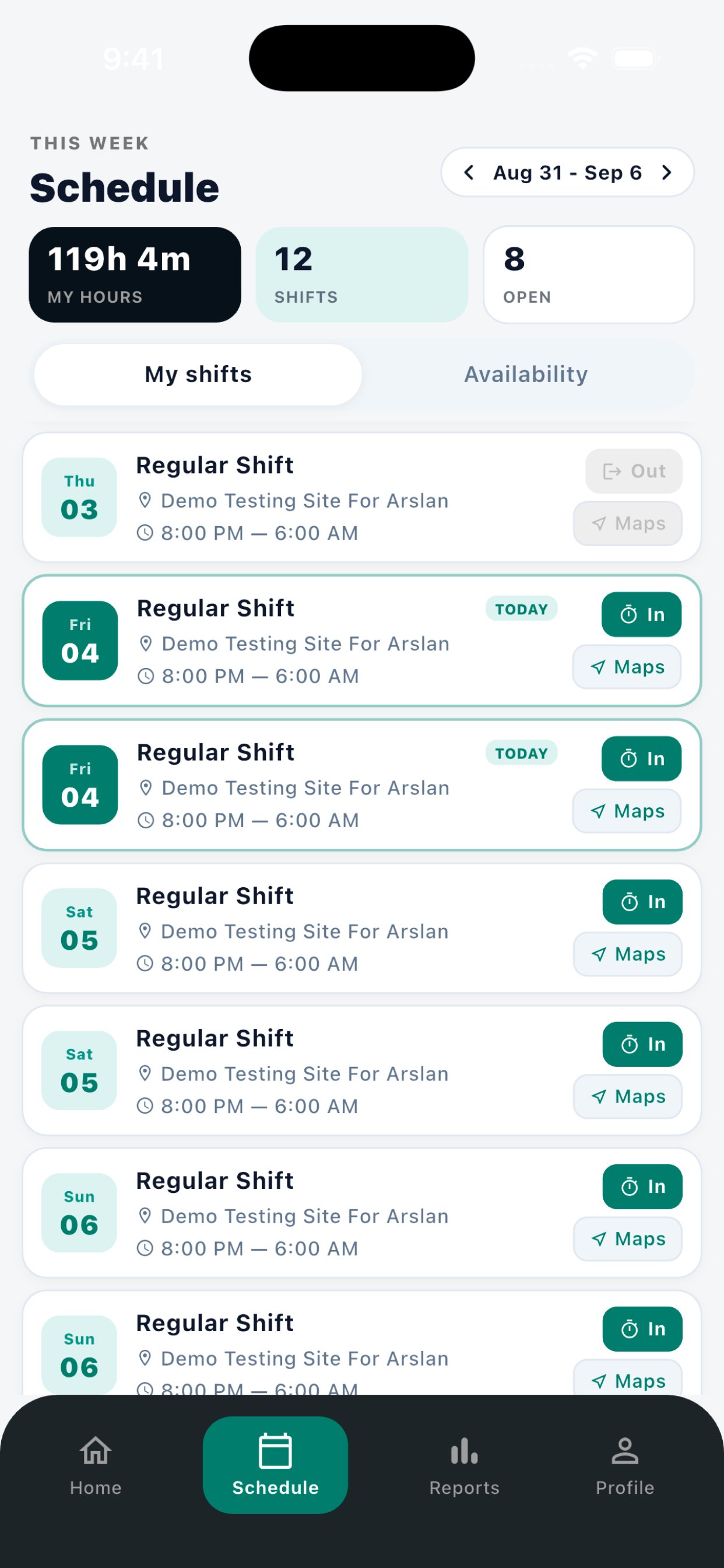
By clicking on Availability, you will get a + option to create your availability.
Check In
You need to check in at start of each shift and check out at end of each shift.
Open Shifts
It shows all the available shifts from other guards to pick up. You can pick the shift by clicking on Take shift option.
Directions
You can get directions in google maps by clicking this direction icon.
Shift Details
By clicking the shift, you can get all details of that shift including address, Timing Date etc.
Rejecting A Shift
If you are not available for any of the assigned shifts you can swipe left or right to reject the shift. This shift will automatically be available for all the guards to pick.
Reports Page
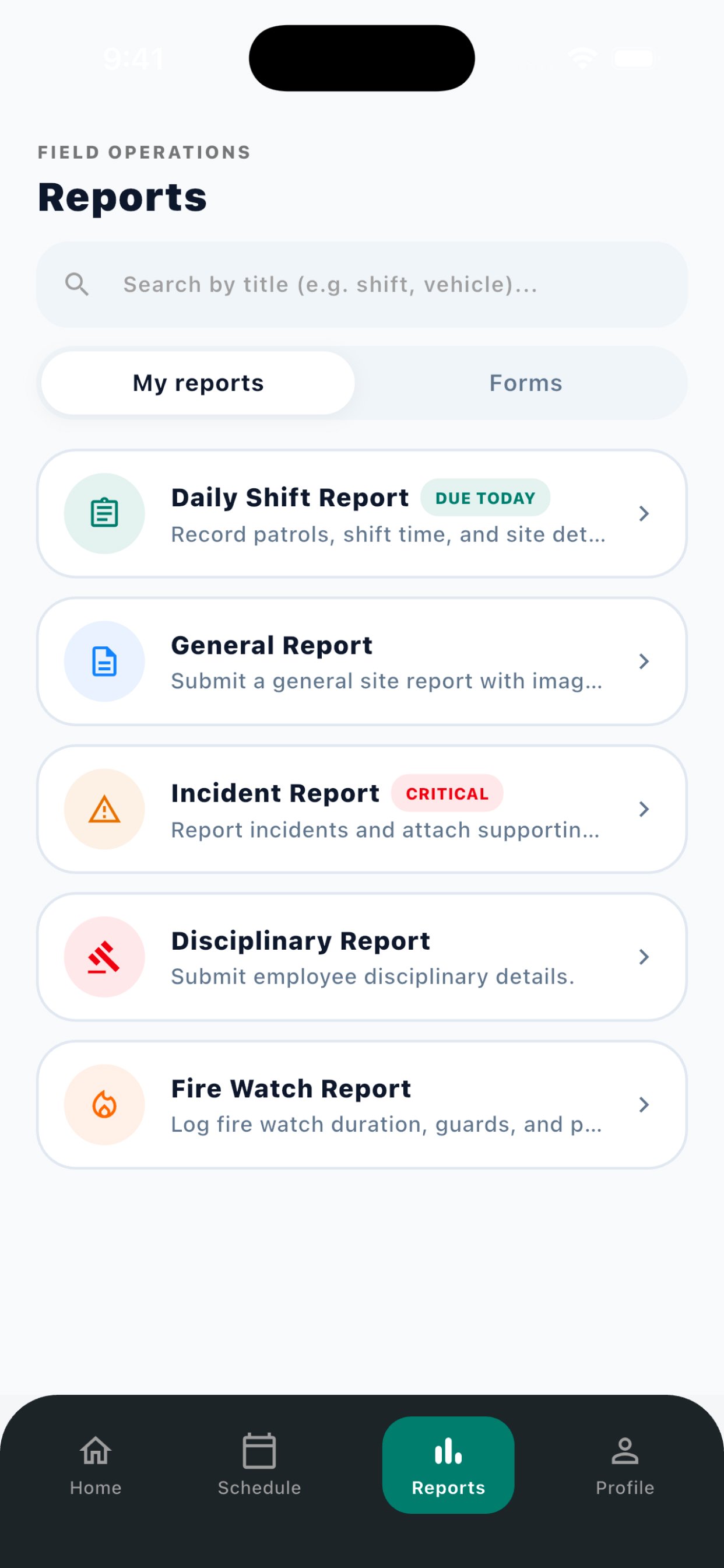
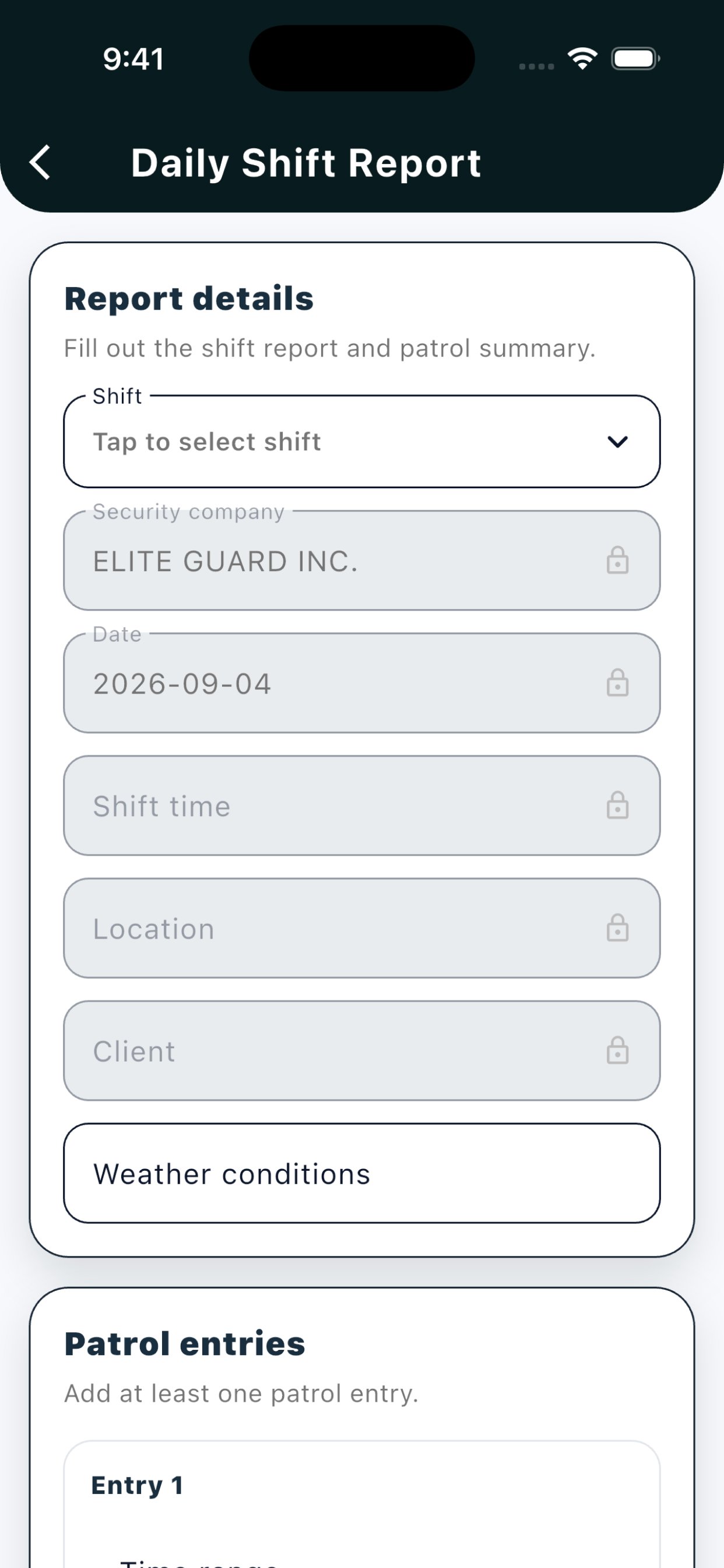
Daily Shift Report
Need to submit at the end of every shift. This will include hourly Patrol summaries.
General Report
Need to fill when you must report any issue like maintenance issues/ unwanted people onsite.
Incident Report
Need to fill this report only when EMS, Police or Fire Department arrive on site.
Fire Watch Report
Only need to fill on fire watch shifts.
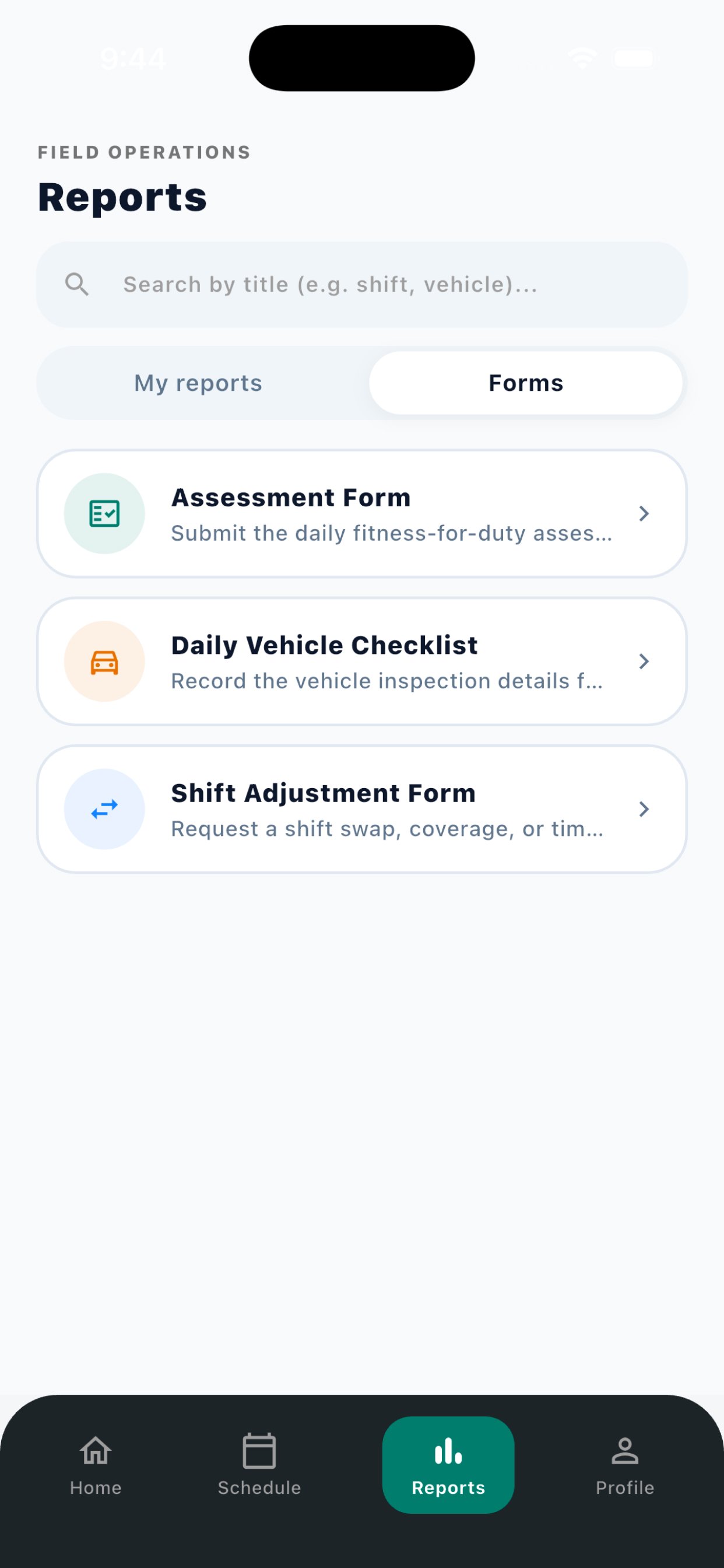
Assessment Form
Need to fill at the start of each shift.
Vehicle Checklist
Need to fill this form if you are using any of company vehicles.
Shift Adjustment
You can fill this form if you have worked overtime or less then your scheduled shift to adjust the shift time.
Profile Page
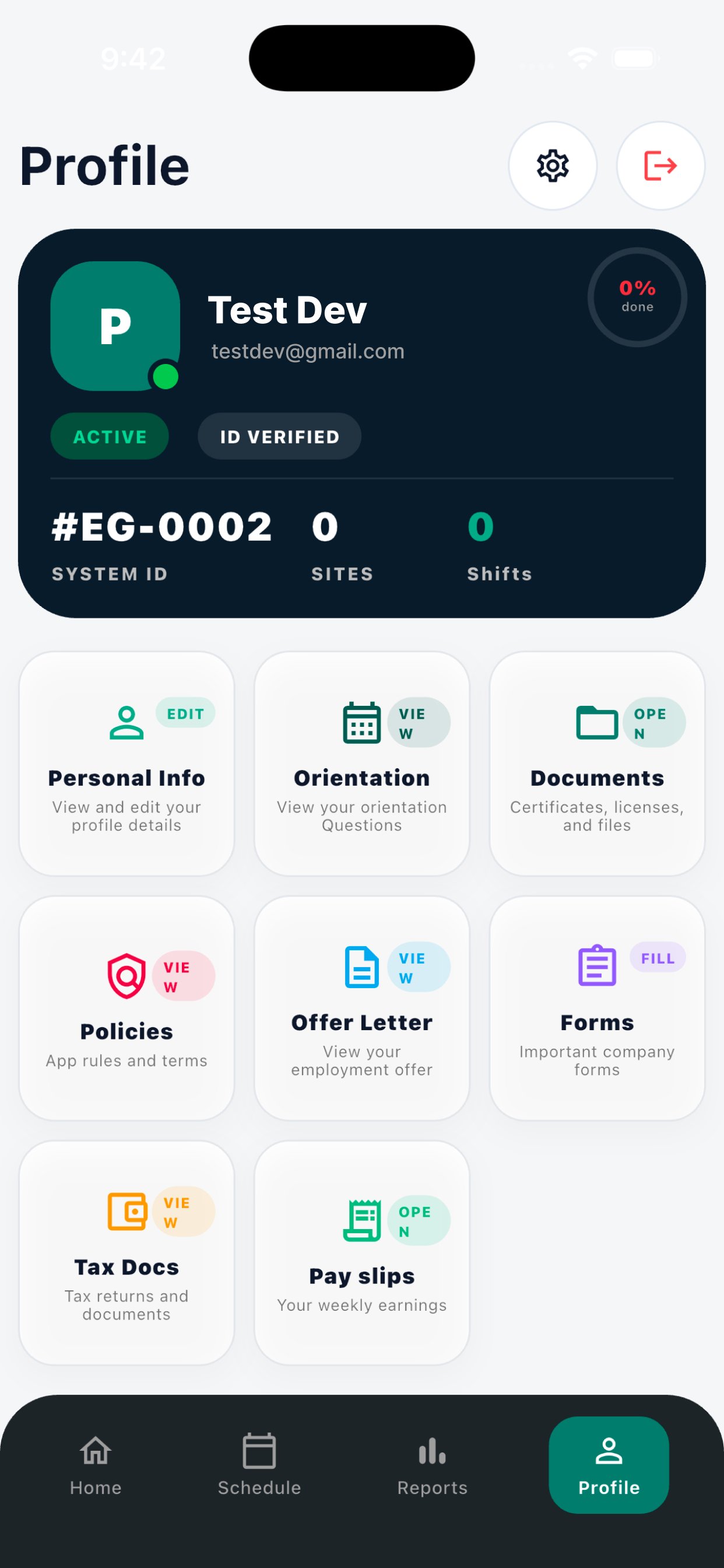
Edit Profile
Edit Profile to update:
- Address & Personal Details: Enter your current home address, phone number, and emergency contact.
- Bank Details: Add the account used for payroll. Ensure information matches your void cheque.
- License & Compliance: Keep your security license, first aid, and other training records up to date.
- Availability: Mark days and times when you can work so scheduling is accurate.
Policies Section
Open the Policies tile to read and sign all mandatory company policies.
Tax Documents
Download the Tax forms fill them up and submit both forms.
Orientations
Attempt the Orientation Exam. Passing Score: 80% - you must score at least 80% to pass. Status (Passed/Failed) shows your current result. If you fail attempt the exam again.
Upload Documents
Uploading Compliance Documents. Void Cheque, Driver License File, Security License File, Work Eligibility File, and Other Documents.
Offer Letter
View your hourly pay rate and job role. Accept that offer.
Pay Slips
View your Pay slips of each month.
App Overview
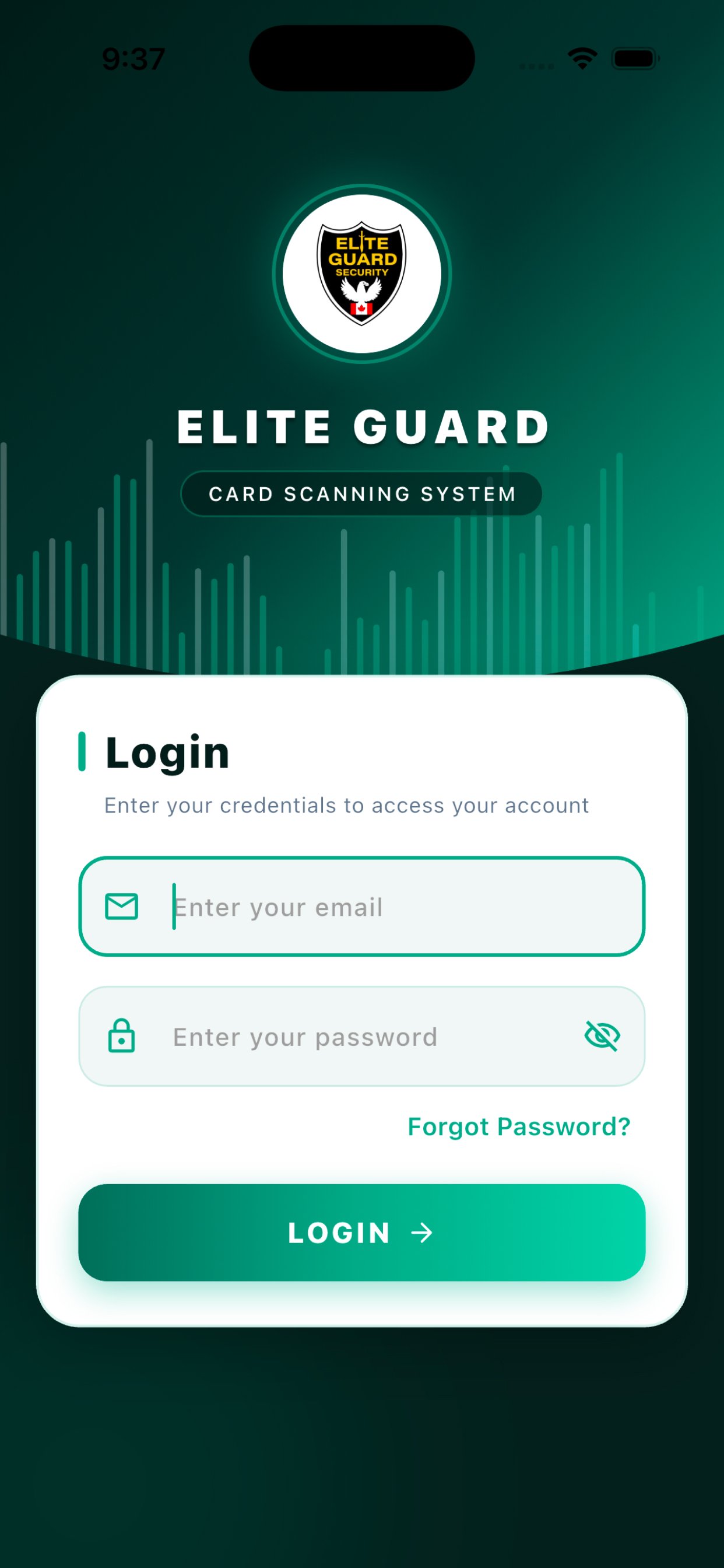
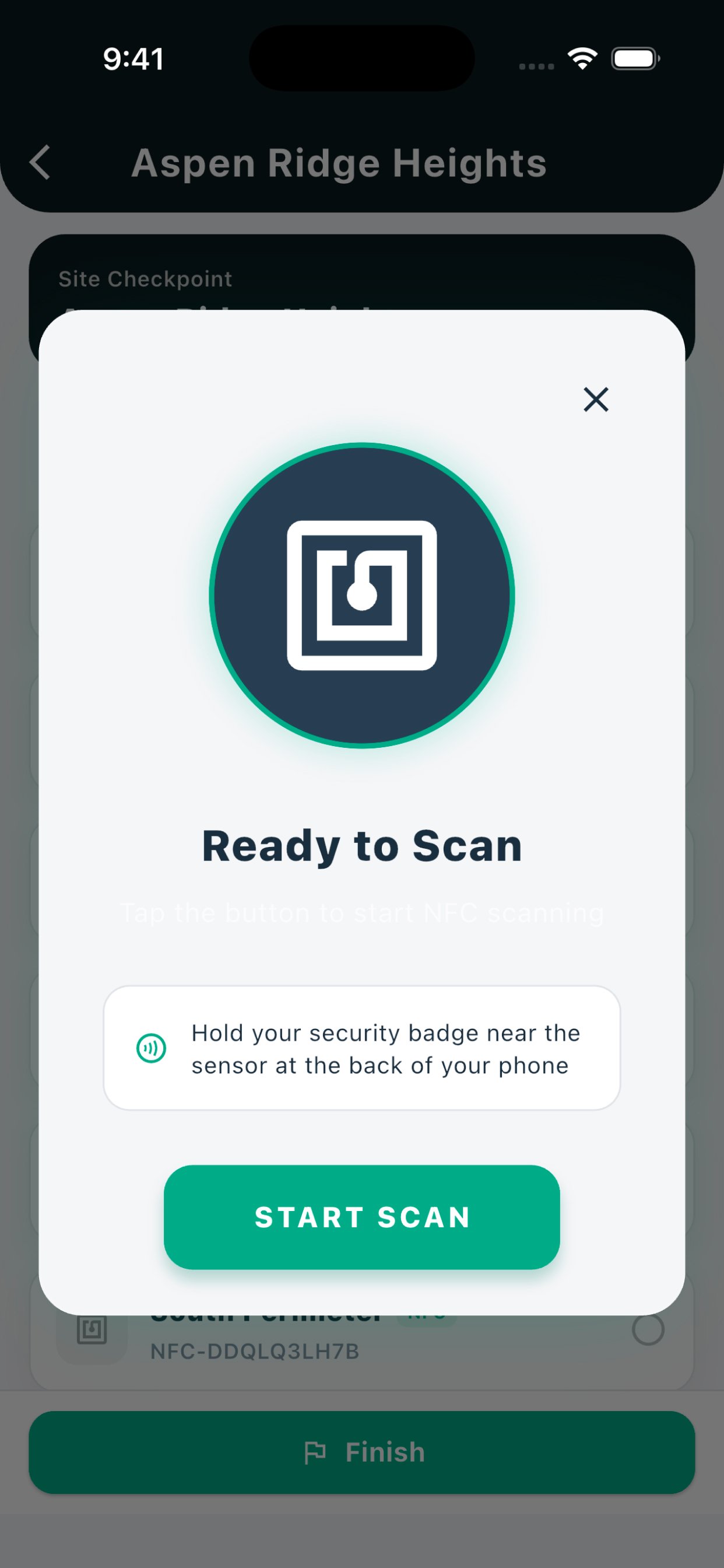
Take a look at the intuitive and modern interface of the Elite Guard App.